Opening it the first time
You do this once. After that, PrettyMD launches with a normal double-click.
1
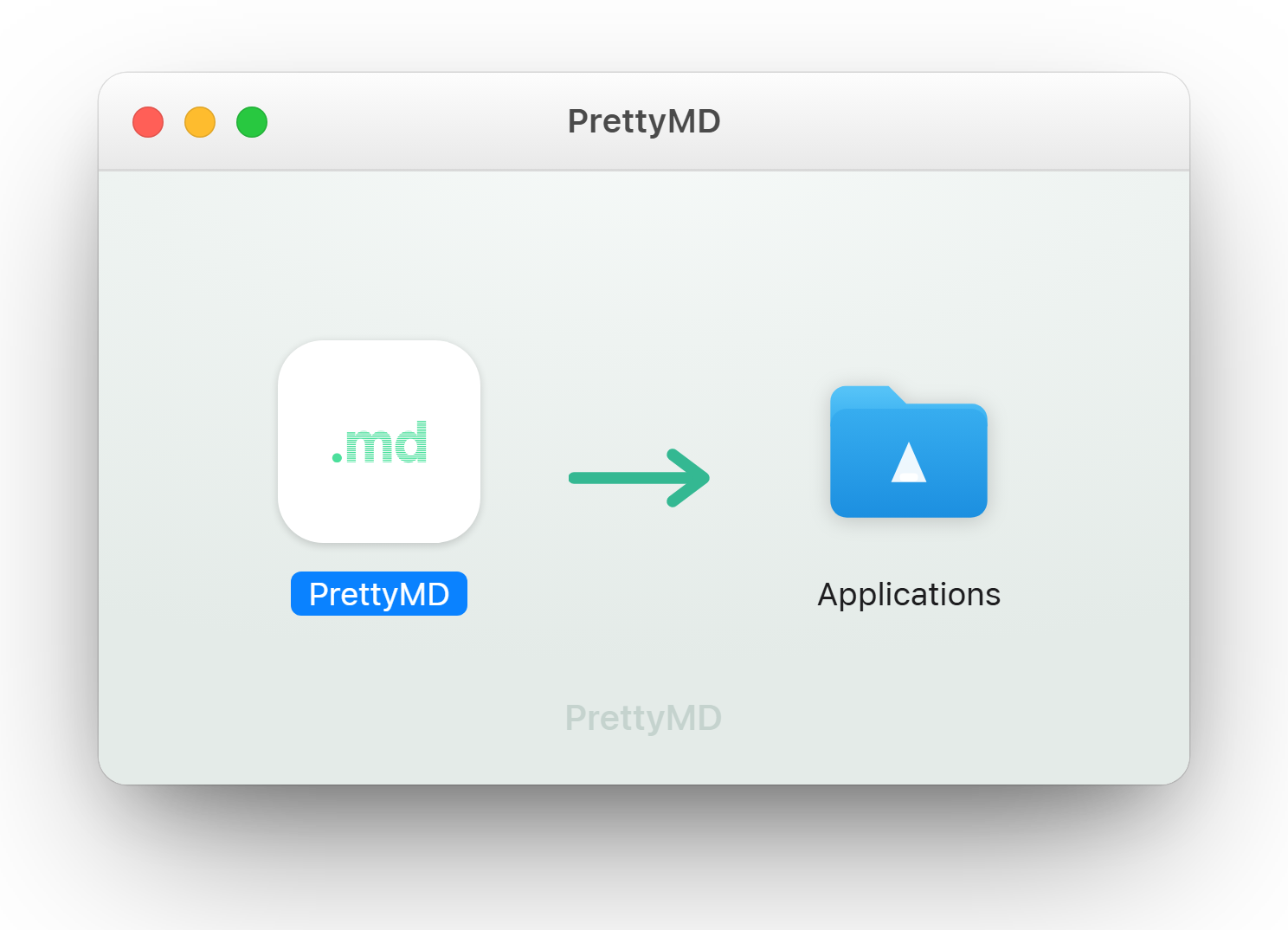
Move PrettyMD to Applications
Open the PrettyMD.dmg you just downloaded, then drag the app into your Applications folder.
2
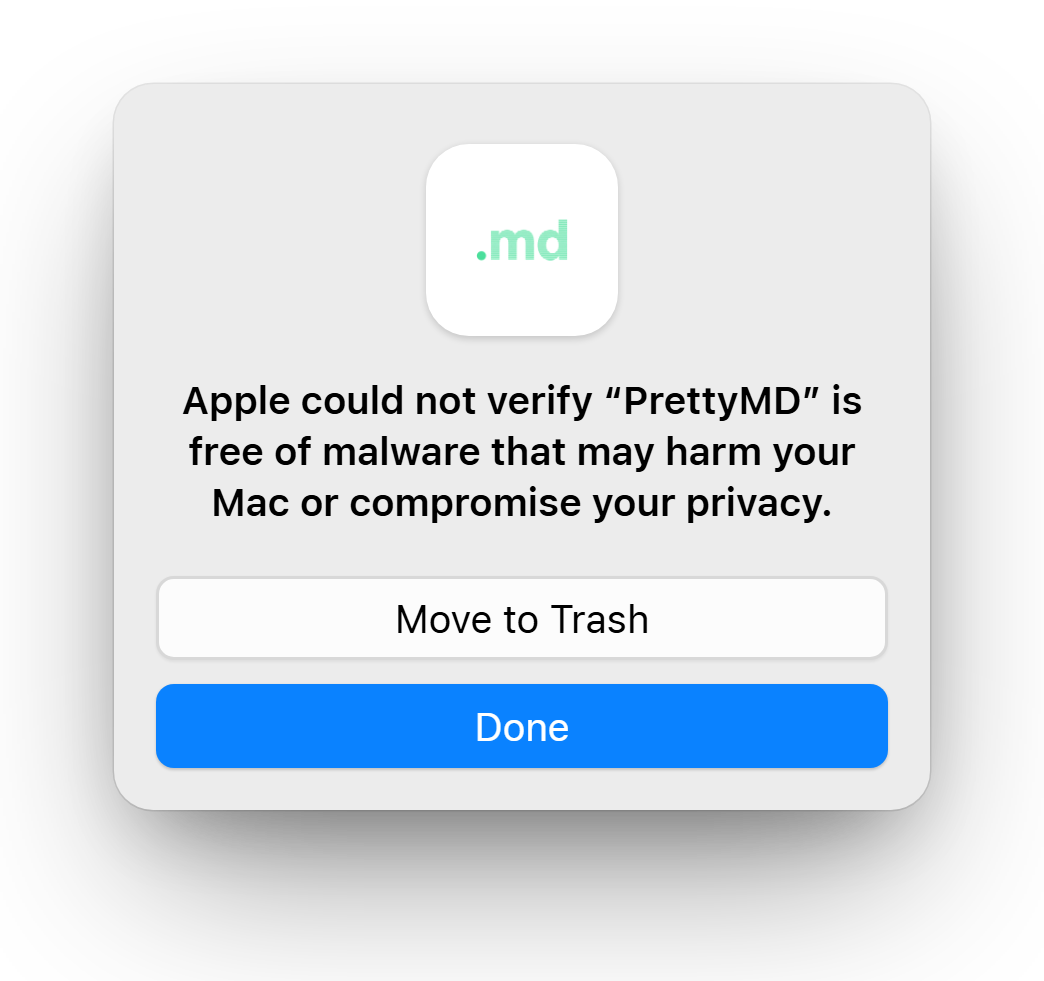
Open it once — then click Done
Double-click PrettyMD. Your Mac shows the message below — click Done (not “Move to Trash”). This first try is what unlocks the next step.
3
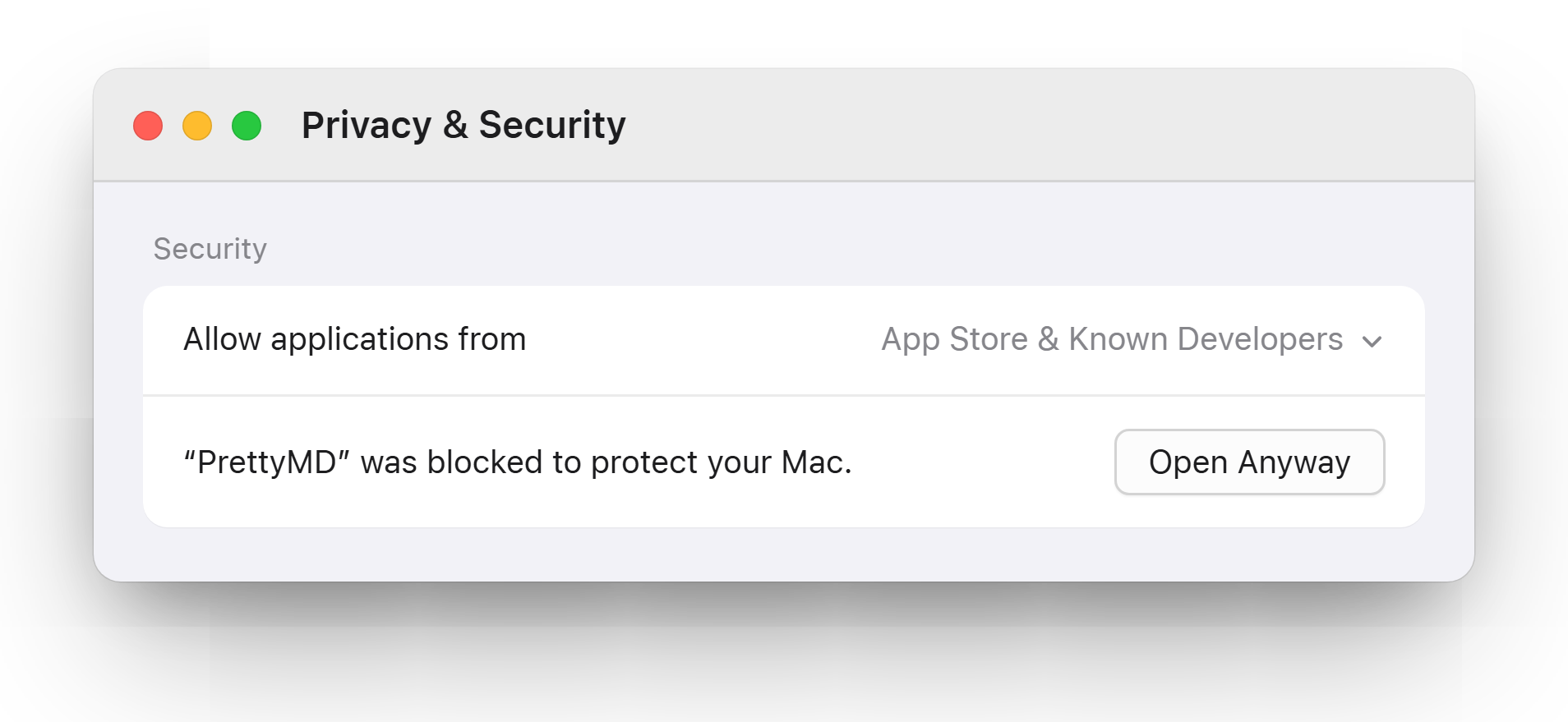
Allow it in Privacy & Security
Open System Settings → Privacy & Security and scroll down. You'll see a line about PrettyMD being blocked — click Open Anyway.
4
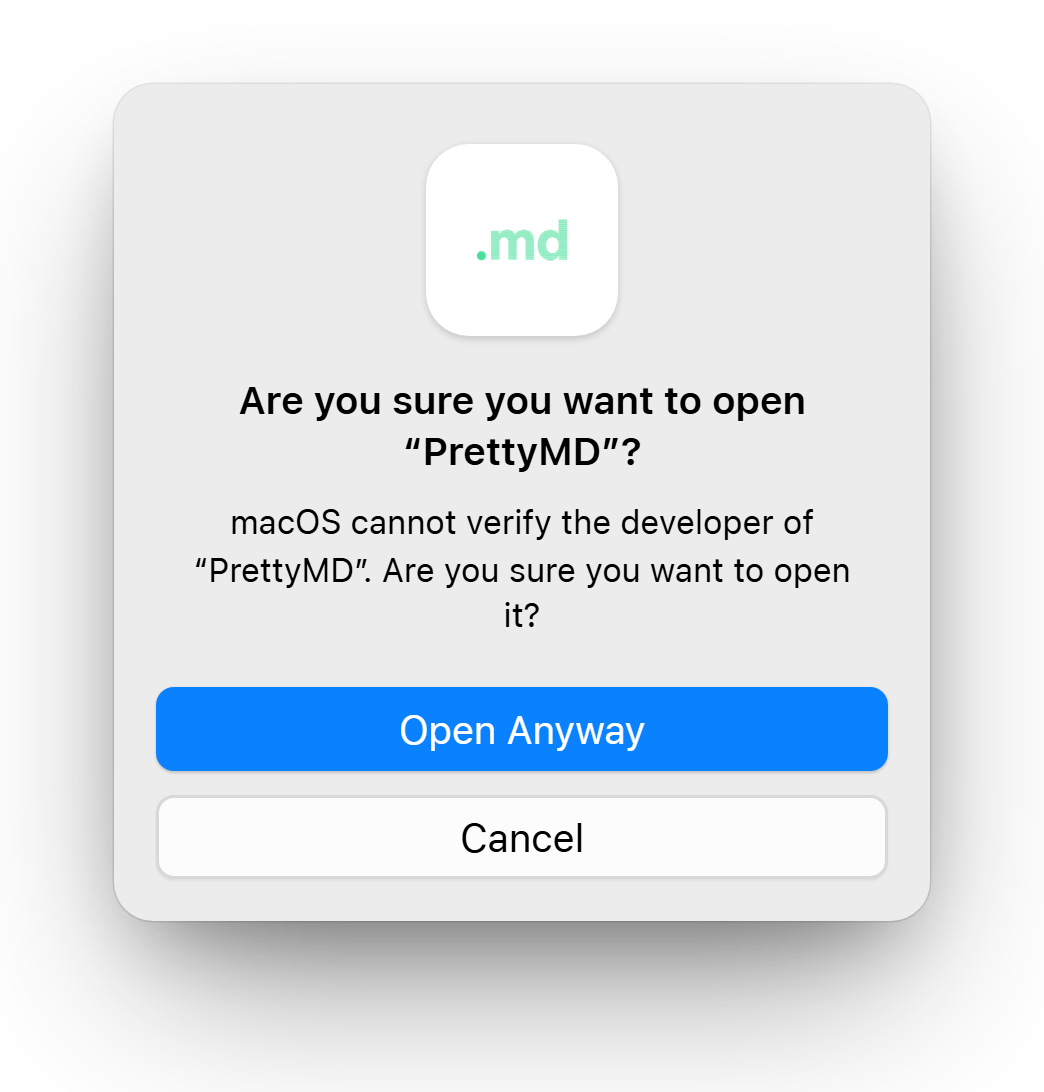
Confirm, and you're in
Use Touch ID or your password, then click Open Anyway once more. That's it — from now on PrettyMD opens with a normal double-click.
These are Apple's own steps — full guide: Open a Mac app from an unknown developer ↗